Blogs, Videos and Articles

Following on from my previous video on how to configure the TP-LINK 8817 modem/router in bridge mode, I walk through how to setup PPPoE WAN…
As of 9th June 2020, pfSense v2.4.5-p1 has been released which addresses security fixes in 2.4.5, resolves various IPv6 issues and fixes is…
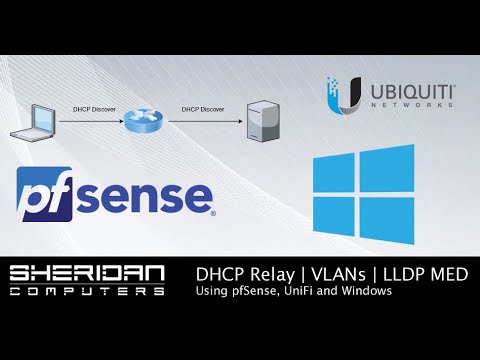
In this video I take a look at how to setup multiple DHCP scopes on Windows Server to assign address pools to multiple VLANs using pfSense …

I take a look at how to setup a secure ipsec site-to-site VPN connection using pfSense open source firewall. I explain how to set up the ph…

A tutorial video on how to setup OpenVPN within the latest version of pfSense (2.4.5 as of April 2020) to enable secure remote user access …

This video walks through the initial installation and setup of pfSense, setting up LAN and WAN interfaces, installing a couple of packages …
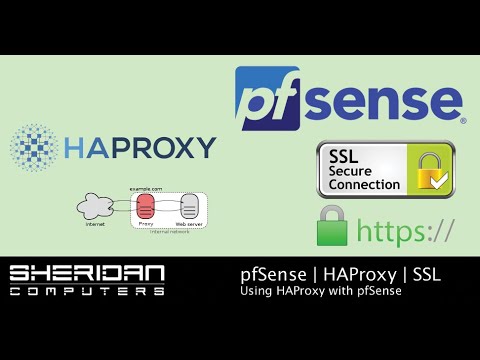
In this video I take a look at how to install wildcard SSL certificate on pfSense and use HAProxy as a reverse proxy to webservers on our l…

In this video I explain how to configure a DrayTek 2860N router to pfSense using an IPSEC VPN with AES256-SHA256-G14 algorithm providing ac…

If you're looking for reconditioned server hardware for a lab environment the Dell PowerEdge 210 II can be picked up and fully fitted for a…